Custom PC Builder
Welcome to Netcodex, your trusted PC Builder in the Philippines
Our online PC builder and configurator, with the AI Build Assistant, makes it easy to customize your Intel or AMD build, compare compatible parts, and design a setup that fits your needs. Whether you’re a gamer, student, or professional, building budget or high-end, our custom PC Builder tool helps you create the perfect setup at the best price. Available for customers nationwide across the Philippines.
Not sure where to start? Tell our AI Build Assistant your budget and what the PC is for, and it fills the builder with a complete, compatible build in seconds. You can change any part after.
- Size, power and socket checked
- Free assembly with our parts
- Talk to a real builder
- Nationwide shipping
AI Build Assistant
Build my PC with AI
Tell us your budget and what the PC is for. We pick compatible parts and fill the builder for you in seconds.
Tell us your budget. Get parts in seconds.Building your PC...
₱
Loading the builder...
Peripherals and extras
Optional. They open the same picker, filtered by the monitor size, refresh rate, colour and brand you want.
Not sure what to pick?
Our AI assistant can suggest a complete build from a few easy questions. You can still change any part.
How to Build a Gaming PC in the Philippines
The quickest way to start is the AI Build Assistant above. Tell it your budget and what the PC is for, and it fills the builder with compatible parts at today’s prices. You can swap any part after.
Prefer a finished build? Browse our ready-made PC Packages or the gallery below.
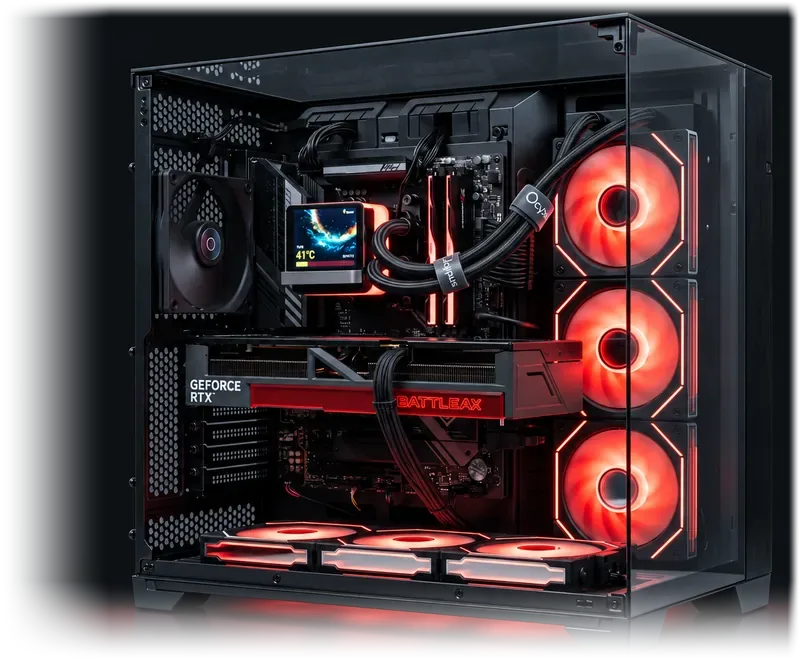
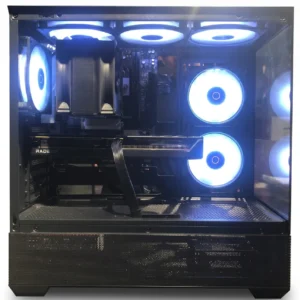
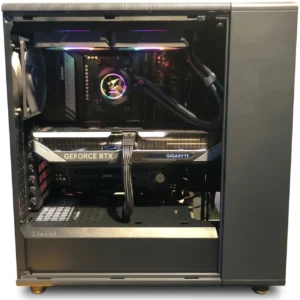
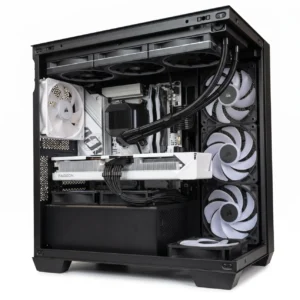
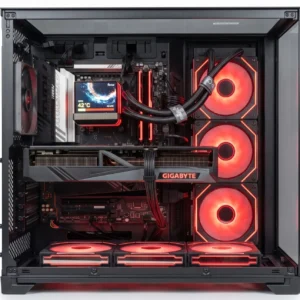
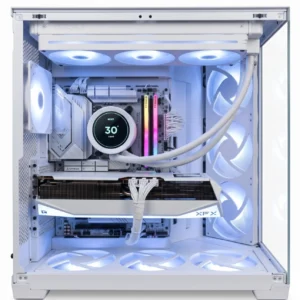
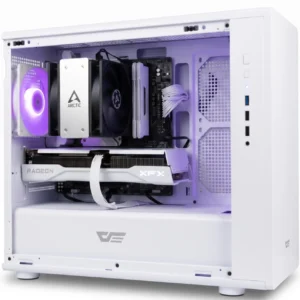
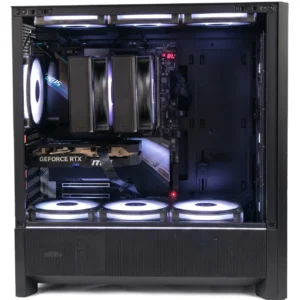
Netcodex Custom PC Build Gallery: Gaming, Workstation, Student & Home Office
- NEW

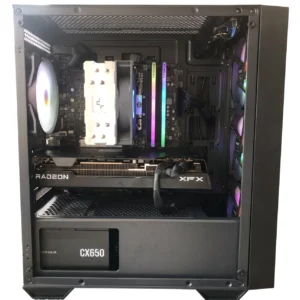
Cairn | AMD Ryzen 5 7500F | Radeon RX 9060 XT 16GB | 16GB DDR5 5600MHz | 1TB NVMe Gen4 Mid-Range Gam...
₱87,910.00 - NEW
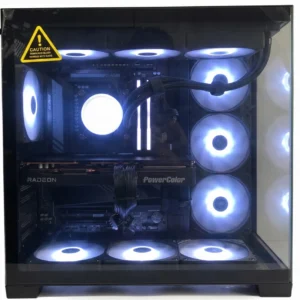
Bronze | AMD Ryzen 7 9800X3D | RTX 5070 12GB | 32GB DDR5 6000MHz | 2TB NVMe Gen4 | 34″ 200Hz U...
₱229,655.00 - NEW
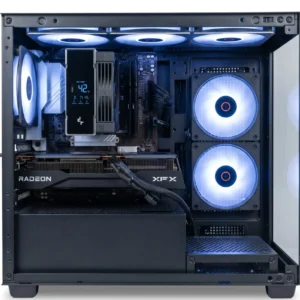
Brio | High-End 4K Gaming and Enthusiast PC: AMD Ryzen 7 7800X3D, Radeon RX 9070 XT 16GB, 32GB DDR5 ...
₱181,155.00 - NEW
Nona | Mid-Range Gaming and Content Creation Desktop PC – AMD Ryzen 5 5600, Radeon RX 7700 XT ...
₱77,350.00 - NEW
Bison | High-End 1440p Gaming & Content Creation PC Package – AMD Ryzen 7 9700X, Radeon R...
₱197,844.00 Beacon | AMD Ryzen 5 7500F & RTX 5060 Ti 16GB Mid-Range Gaming and Content Creation PC Package...
₱118,750.00Acumenn | Mid-Range Gaming and Content Creation Desktop PC – AMD Ryzen 5 7500F, Radeon RX 9060...
₱109,725.00Acadia | AMD Ryzen 7 9800X3D & RTX 5070 Ti High-End Gaming and Content Creation PC...
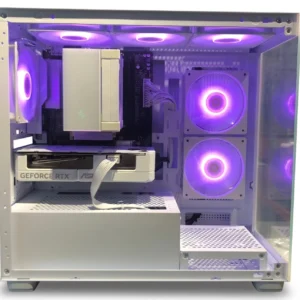
₱222,890.00Thomas | High-End All-White 4K Gaming & Content Creation Desktop PC: AMD Ryzen 7 7800X3D, Radeo...
₱189,515.00Azura | Mid-Range White 1440p Gaming & Content Creation PC – AMD Ryzen 5 9600X, Radeon RX...
₱125,920.00Veld | Mid-Range 1080p and 1440p Gaming and Content Creation PC: Intel Core i7-14700KF, MSI GeForce ...
₱126,206.00Monsoon | Mid-Range White Edition 1080p and 1440p Gaming PC: AMD Ryzen 5 9600X, RTX 5060 8GB, 16GB D...
₱103,386.00
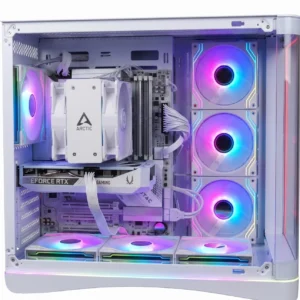
PC Builder and AI Build Assistant FAQ
Is the Netcodex PC Builder compatibility-aware?
Yes. Whether you pick the parts yourself or let the AI Build Assistant pick them, the builder checks every part against the rest of the build as you go: processor, motherboard and cooler sockets; memory type and number of sticks; motherboard size against the case; graphics card length, cooler height and radiator size against the case’s clearance limits in millimetres; power supply size and wattage with headroom; and M.2 drives against the board’s slots. Each check shows in the build summary, and our builders confirm every build before assembly. More answers are on our FAQ page.
Can I see how the parts fit in the case?
Yes. “Your PC, to scale” draws your build inside the case as you pick: the motherboard, graphics card, cooler, radiator and drives at their listed sizes against the case’s limits, with anything that does not fit shown in red. It is a drawing, not a photo of the case, so drive positions can differ from the real case.
Does the builder show how fast a build will be?
As a guide, yes. Processors and graphics cards show a performance bar from our own Performance Table and how much faster or slower each one is than your current pick. You can sort by fastest first or best performance per peso, and compare up to 3 side by side. The AI Build Assistant explains why it picked each part. We do not promise exact frame rates, because they change with the game, its settings and drivers.
How long does it take to assemble a custom PC?
Typically, custom builds are assembled, stress-tested, and ready for shipping within 1-3 business days.
What does the AI Build Assistant do?
Tell it your budget and what the PC is for (gaming, streaming, editing, 3D and CAD, AI and development, or office and school) and it picks a complete, compatible build from parts on our site at today’s prices in seconds, then fills the PC Builder for you.
Does the AI Build Assistant check compatibility?
Yes. It checks the processor socket against the motherboard, the memory type, whether the graphics card and cooler fit the case, and that the power supply covers the whole build with headroom.
Can it build an all-MSI, ASUS or GIGABYTE PC?
Yes. Choose Brand build under More options. The motherboard and graphics card come from that brand, and the case, cooler, power supply and SSD follow when the brand has one that fits.
Can it pick a monitor, keyboard and mouse too?
Yes. Tick the extras you want under Also pick for me and they come out of the same budget, matched to what the PC is for, like a high refresh rate monitor for gaming or quiet gear for the office.
Can I change the parts the AI picks?
Yes. The build goes straight into the PC Builder, where you can swap any part before adding it to your cart. You can also save the build to your account or send its build code to our builders.
Is the AI Build Assistant free?
Yes, it is free to use. When you buy the parts from us, assembly, a stress test and photos before release are free too.
Can I print or share my PC build?
Yes. The summary shows the running total and every check as you pick. You can download a quotation PDF, print the build, copy it as text, or share it as a link, picture or email so others open the same build. Add every part to your cart in one click, or save it to My Saved Builds with an account.
I’m building my first PC. Where do I start?
Tap “First PC? Go step by step” in the AI Build Assistant. It asks one easy question at a time, explains every part in plain words, and fills the builder with a complete build you can still change.