Intel Arc Pro B70 32GB GDDR6 ECC 256-bit Blower Workstation AI Graphics Card, PCIe 5.0, 4x DP 2.1 | 33P01IB0BB-99CMLT
₱144,950.00
Brand: Intel
Model: Intel Arc Pro B70 (Intel branded card)
SKU: 33P01IB0BB-99CMLT
GPU: 32 Xe2 cores, 32 RT units, 256 XMX AI engines, up to 2800 MHz
Memory: 32GB GDDR6 with ECC, 256-bit, 608 GB/s
AI Performance: Up to 367 TOPS INT8
Interface: PCIe 5.0 x16
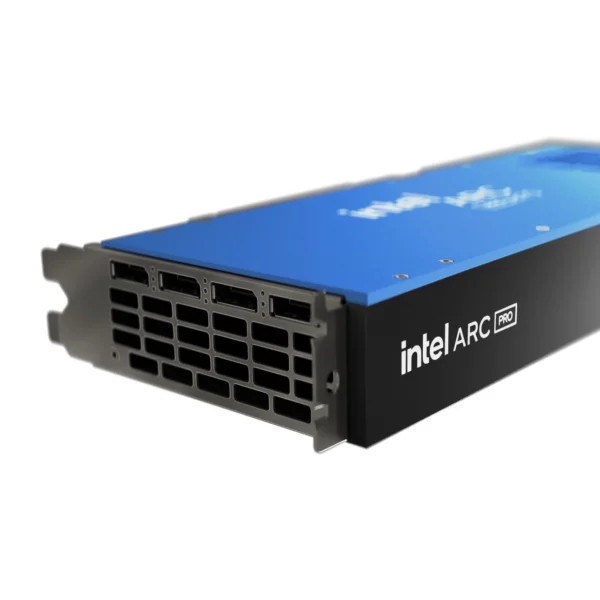
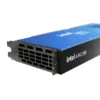
Outputs: 4x DisplayPort 2.1
Power: 230W board power, 1x 8-pin PCIe connector
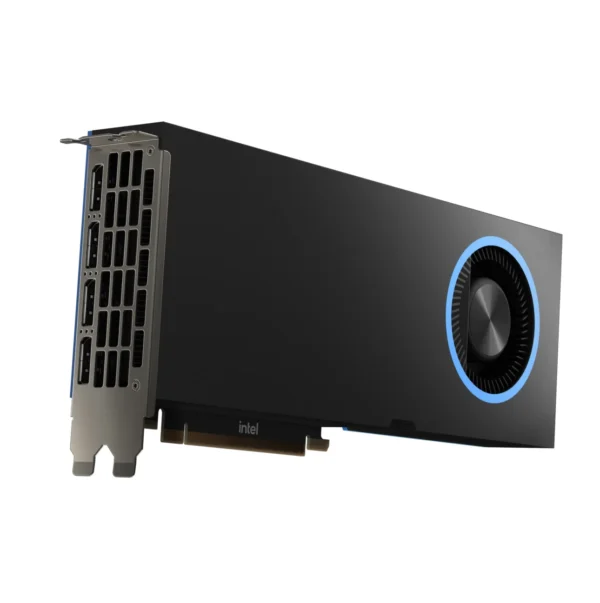
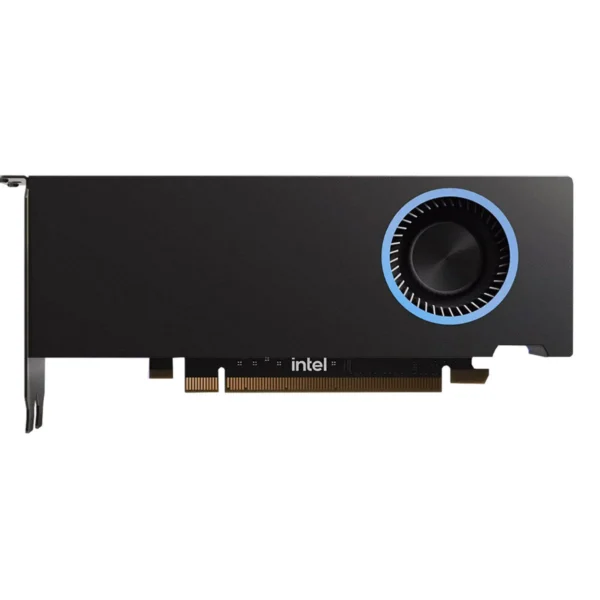
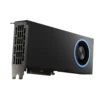
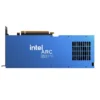
Cooling: Single blower fan, rear exhaust
Size: Dual slot, 267 x 99 mm
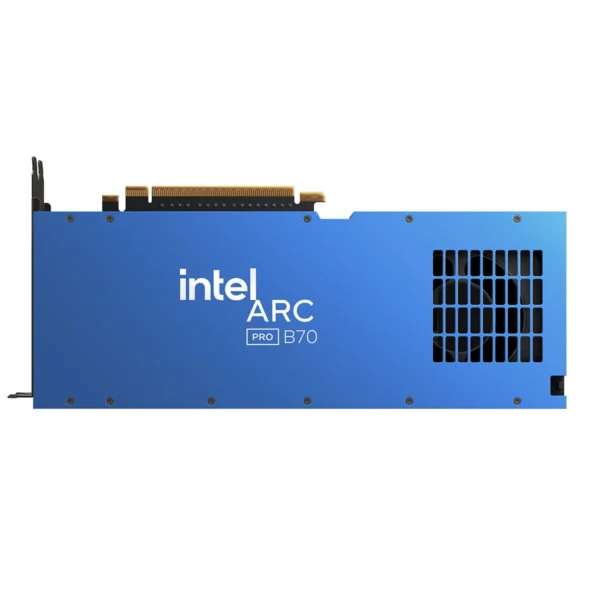
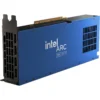
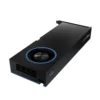
Color: Blue and black
OS Support: Windows 11, Windows 10, Linux (Ubuntu)
Note: Workstation and AI card; no HDMI port
In stock
ℹ️
For walk-in customers: please always INQUIRE FIRST before visiting as not all items are displayed in our physical store. As an online-first store, most of our inventory is held in our online warehouse and is transferred to the store upon request.
Intel Arc Pro B70 32GB GDDR6 ECC 256-bit Blower Workstation AI Graphics Card, PCIe 5.0, 4x DP 2.1 | 33P01IB0BB-99CMLT
Price Drop Alerts & Price History
⚠️ That's a steep drop! You might be waiting a while.
We'll notify you the moment the price hits your target.
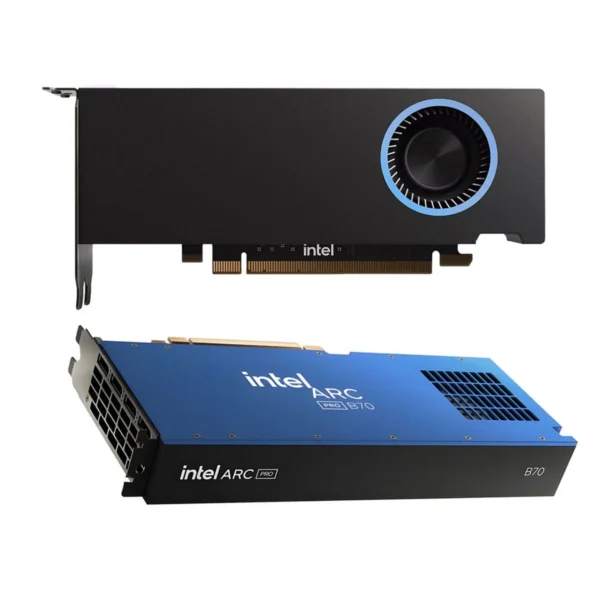
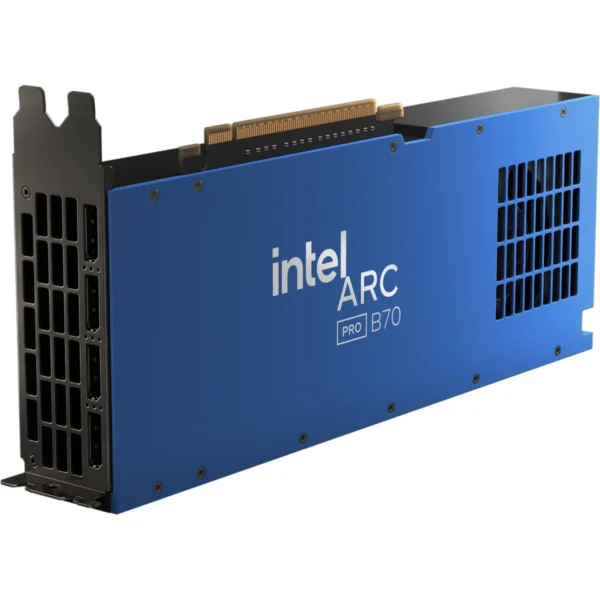
The Intel Arc Pro B70 is the full “Big Battlemage” chip on a workstation card: 32 Xe2 cores, 32GB of ECC GDDR6 on a 256-bit bus and a 230W board power, packed into a dual-slot blower card. This is the Intel branded version with the blue shroud. Intel aims it at local AI inference and professional applications rather than gaming, and the memory size is the reason most buyers will look at it.
For Philippine developers, small studios and AI hobbyists, the appeal is simple: 32GB of VRAM on a single card lets you load larger language models, longer context windows and bigger image generation pipelines than a typical 12GB or 16GB gaming card allows. The blower design also makes it practical to run two or more cards side by side in a workstation, since each card pushes its heat out through the rear bracket instead of into the case.
Key Features and What They Mean
32GB ECC Memory for Local AI
Intel rates the B70 at 608 GB/s of memory bandwidth and up to 367 TOPS INT8 from its 256 XMX engines. ECC protects long training or rendering runs from silent memory errors, which matters more on a card that may run for hours unattended. In StorageReview’s testing, the B70 posted the highest Llama 2 score in its Procyon text generation comparison and led the RTX 5060 Ti by about 45% in the Phi and Mistral tests. Puget Systems found it had the highest token generation rate of every GPU in its MLPerf Client test.
Blower Cooling for Multi-GPU Builds
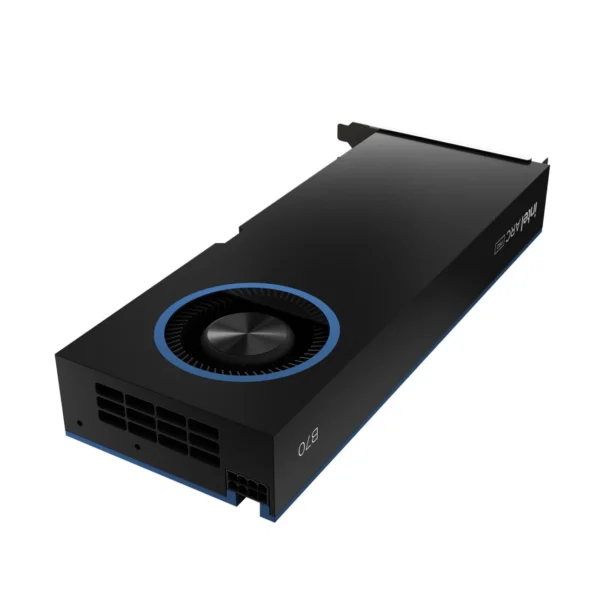
A single radial fan pulls air through the card and exhausts it out of the back. That is the right layout for stacking cards close together, and it keeps hot air away from the CPU cooler in a single-card build. The trade-off is noise. PC Games Hardware measured the Intel branded card at 3.1 sone under maximum gaming load, noted the fan never stops (about 800 RPM even at idle), and flagged coil whine as the card’s main noise issue. In our assessment, a warm room without aircon will push the fan toward the top of its range under sustained AI or render loads.
Pro Display and Media Engines
Four DisplayPort 2.1 outputs drive up to four displays, with 8K at 120Hz supported. There is no HDMI port, so TVs and HDMI-only monitors need an active DisplayPort to HDMI adapter. Two multi-format codec engines handle H.264, HEVC and AV1 encode and decode, which helps in video export and streaming workloads.
Power Needs
Board power is 230W through a single 8-pin PCIe connector. PC Games Hardware measured 235W at maximum gaming load and up to about 170W continuously through the 8-pin plug, so a quality power supply with a proper dedicated 8-pin cable is worth having. The same review measured roughly 50W at idle with PCIe power saving (ASPM) off, dropping to between 15W and 43W with ASPM enabled, depending on the display setup.
Competitive Positioning
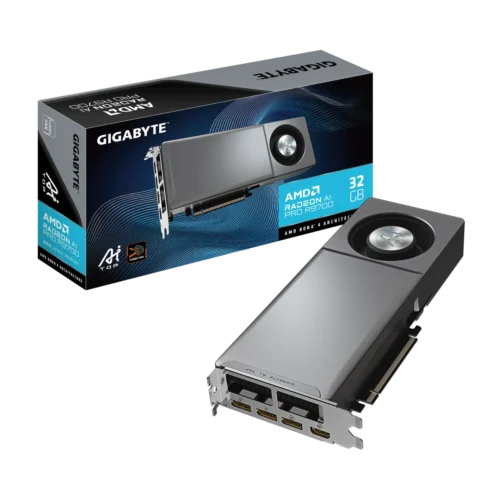
The B70 sits in the 32GB workstation class alongside cards like AMD’s Radeon AI PRO R9700, and above NVIDIA’s 16GB and 24GB RTX PRO Blackwell cards in memory capacity. Puget Systems found it competitive in AI and Blender but uneven in traditional pro apps: it trailed the R9700 in Premiere Pro and DaVinci Resolve, ran behind the RTX PRO 4000 Blackwell in most content creation tests, and was the slowest card tested in Lightroom Classic. Puget described it as an AI-first card with plenty of VRAM that does not always have the GPU muscle to match in traditional professional work.
Gaming is not its job. TechSpot tested a partner B70 with the same GPU and found it about 11% slower than the RTX 5060 Ti at 1080p and 6% slower at 1440p on a 12-game average, while drawing noticeably more power. StorageReview also cautioned that Intel’s vLLM serving branch still feels like a beta, with limited model coverage and more troubleshooting than on NVIDIA.
Philippine Buyer Perspective
Our Take
In our assessment, the B70 makes sense when VRAM is the bottleneck and you are willing to work with Intel’s software stack. If your workload is local LLM inference through OpenVINO, IPEX or Intel’s vLLM builds, 32GB on one card opens up model sizes that would otherwise need a far more expensive workstation GPU. If your daily tools are Premiere Pro, After Effects, Lightroom or Revit, the review data points to NVIDIA or AMD as the safer choice, and CUDA-only software will not run on it at all. Check that your exact applications and frameworks support Intel GPUs before buying.
Two practical points for local builds: the blower is audible under load, so it suits a workstation in a separate room or a rack better than a quiet desk setup, and its rear exhaust is an advantage in hot Philippine rooms when two or more cards share a case. For a single card with a mainstream desktop CPU, in our assessment a quality 650W power supply is a comfortable starting point; size up for multi-card builds.
Known Compatibility and Setup Notes
Required: a PCIe x16 slot, two free slot spaces, room for a 267 mm card and one 8-pin PCIe power connector. Displays connect through DisplayPort only.
Recommended: use a dedicated 8-pin cable from the power supply. PC Games Hardware measured up to about 170W through the 8-pin connector, which is more than a daisy-chained split cable should be asked to carry.
Recommended: enable PCIe ASPM in the BIOS and operating system power settings. PC Games Hardware measured idle power falling from about 50W to as low as 15W with it enabled.
Possible consideration: Intel has an open support article on Arc Pro B-Series cards showing no image on one DisplayPort output when a DP2.1 cable is used with a DP2.1 monitor. DP1.4 cables did not reproduce the issue. Intel says it is investigating.
Possible consideration: StorageReview notes each B70 uses a full PCIe 5.0 x16 link. Mainstream desktop motherboards usually split lanes when a second x16 slot is populated, so multi-card AI builds are better planned on a workstation platform with enough PCIe lanes (Netcodex analysis).
Who Should Buy This
Local AI and LLM Developers who need 32GB of VRAM on one card for larger models and longer context, and work in OpenVINO, PyTorch with IPEX or Intel’s vLLM builds.
Multi-GPU Inference Builders planning two to four cards in one workstation, where the blower exhaust and dual-slot width keep cards cool when packed together.
Workstations Needing ECC and Many Displays such as engineering or 3D work on four DisplayPort monitors, where ECC memory and certified pro drivers matter more than peak gaming speed.
Not for Gamers looking for the best frames per second. In TechSpot’s testing, the GeForce RTX 5060 Ti was faster in games.
Intel Arc Pro B70 32GB Specifications
General
Brand
Intel
Model
Intel Arc Pro B70 Graphics (Intel branded card)
Netcodex SKU
33P01IB0BB-99CMLT
Intel Ordering Code
33P01IB0BB
Product Collection
Intel Arc Pro B-Series Graphics
Code Name
Battlemage
Microarchitecture
Xe2
Lithography
TSMC N5
Color
Blue shroud with black fan side (Intel branded design)
oneAPI, OpenVINO, Intel Extension for PyTorch (IPEX)
Upscaling
Intel XeSS
Operating Systems
Windows 11, Windows 10, Linux (Ubuntu)
Power and Physical
Interface
PCI Express 5.0 x16
Total Board Power
230W (Intel branded card)
Power Connector
1x 8-pin PCIe (ATX 2x4)
Cooling
Single blower-style fan, rear exhaust
Slot Width
Dual slot, full height bracket
Card Dimensions
267 x 99 mm (10.5 x 3.9 in)
Card Weight
1020 g
Package
In the Box
Intel Arc Pro B70 graphics card
Package Dimensions
38.9 x 20.3 x 10.4 cm
Package Weight
1.44 kg
Packaging Weight
1.64 kg
Packaging Dimensions (L×W×H)
41.9 × 23.3 × 13.4 cm
Brand
Intel
Reviews
There are no reviews yet.
Only logged in customers who have purchased this product may leave a review.
ℹ️
Product Information Notice
Specifications, images, packaging, and included accessories shown on this page are based on information published by the manufacturer and are provided for reference only. Manufacturers may revise product specifications, features, SKUs, and designs at any time and without prior notice, and actual specifications may vary between board revisions, production batches, or regional versions of the same model.
While we take care to keep our listings accurate, we recommend verifying critical specifications on the manufacturer's official product page before purchasing. If a particular specification is essential to your purchase decision or build compatibility, please confirm it with our team first and we will verify the exact unit on hand.
Product images are for illustration purposes and may differ from the actual item. If you spot an error in any listing, please let us know so we can correct it promptly.









Reviews
There are no reviews yet.