Meet the AI Build Assistant: A Complete, Compatible PC From Your Budget in Seconds
Picking a dozen parts that work together, fit the case and stay within budget takes hours of tabs and spreadsheets. Our new AI Build Assistant does that first pass for you. Tell it your budget and what the PC is for, and it fills our Custom PC Builder with a complete build in seconds, with a reason for every part. It’s free, and you can change anything it picks.
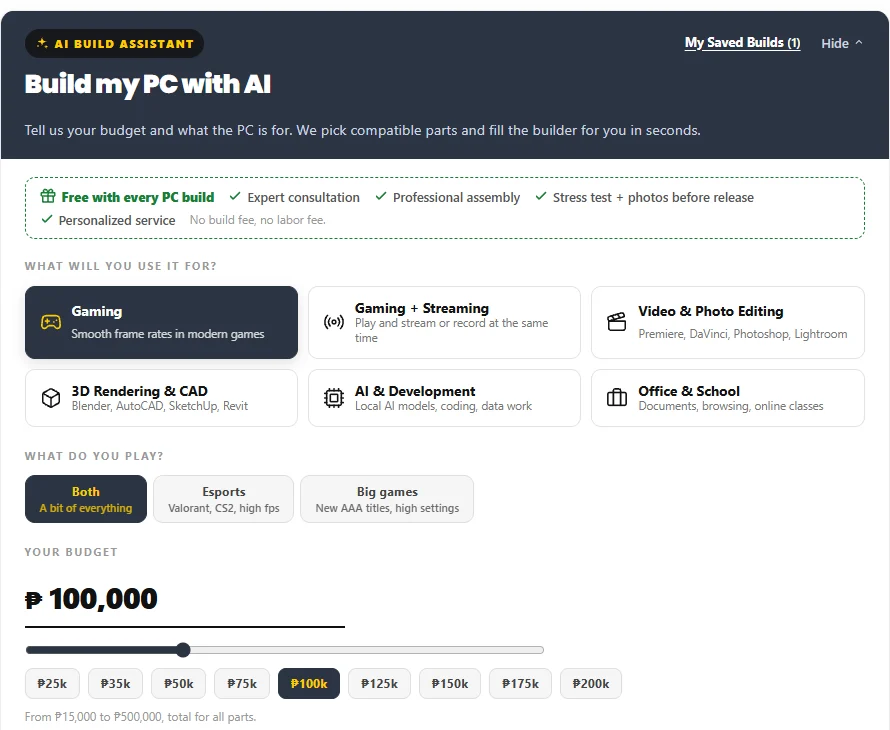
1. Start with your budget and what the PC is for
Choose what you’ll use it for: gaming, gaming and streaming, video and photo editing, 3D rendering and CAD, AI and development, or office and school. For gaming, also tell it what you play: esports titles like Valorant and CS2, big AAA games at high settings, or a bit of both. Then set a budget anywhere from ₱15,000 to ₱500,000.
2. Pick your processor brand and any extras
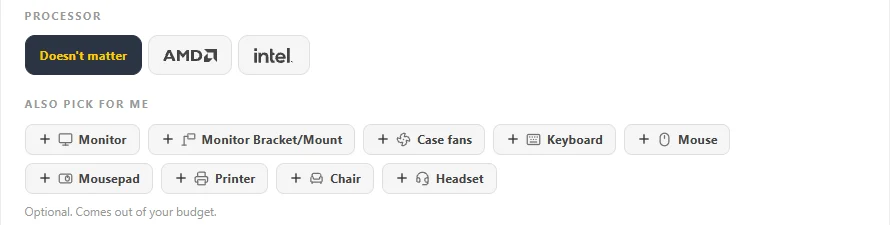
Prefer AMD or Intel? Say so, or leave it to the assistant. Need more than the PC? Tick a monitor, monitor bracket, case fans, keyboard, mouse, mousepad, printer, chair or headset. They come out of the same budget, matched to what the PC is for.
3. Fine-tune it with More options
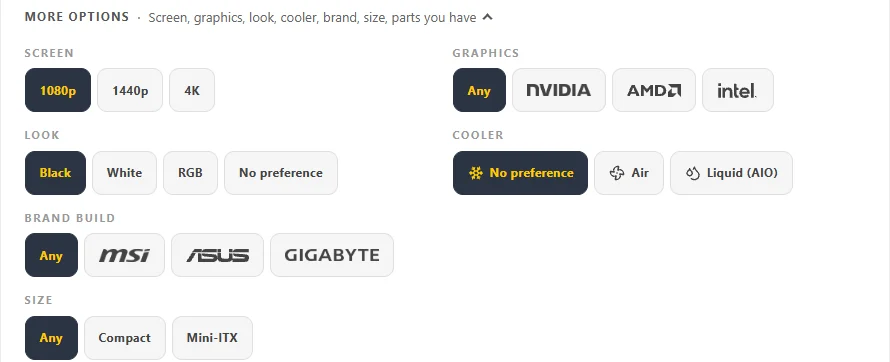
Pick your screen (1080p, 1440p or 4K), graphics brand, a black, white or RGB look, air or liquid cooling, an all-MSI, ASUS or GIGABYTE build, and the size of the PC: standard, compact or Mini-ITX.
4. Already have some parts? Leave them out
Keeping your graphics card, SSD, or case and power supply? Tick them under “I already have”. Your whole budget then goes to the other parts, sized to fit what you have.

Example 1: a ₱100,000 gaming PC for 1080p
Here’s what it built for gaming at 1080p with a ₱100,000 budget. It also says why: 46% of the budget went to the graphics card, because 1080p gaming depends on it most, and the processor is the strongest one that pairs well with that card at this budget. You can flip between Best Value, Balanced and Max Performance versions of the same build.
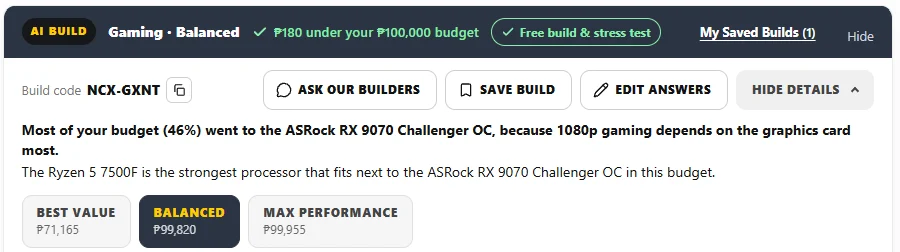
Every part comes with a one-line reason, so you can see the thinking behind each pick.
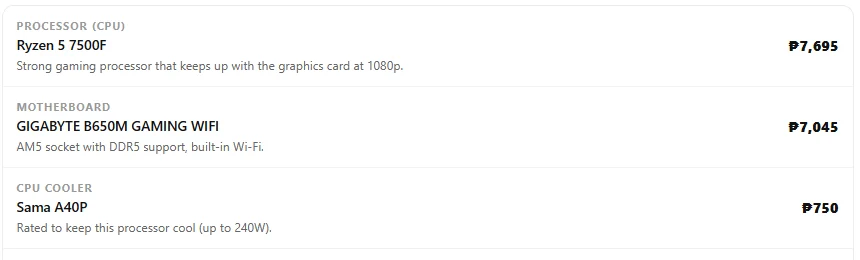
Compatibility isn’t just socket and memory. The case is checked against the graphics card’s length, and the power supply against the whole build’s estimated peak power, with headroom.

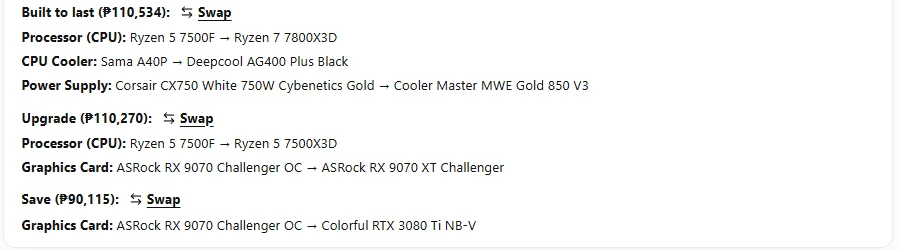
Next to the build, it shows options when they make sense. “Built to last” spends a little more on a faster processor and a bigger power supply, ready for a next-generation graphics card later. “Upgrade” shows what about ₱10,000 more buys in speed. “Save” shows a cheaper version. Each is one tap away, and nothing changes unless you choose it.

Example 2: a full GIGABYTE build at ₱200,000
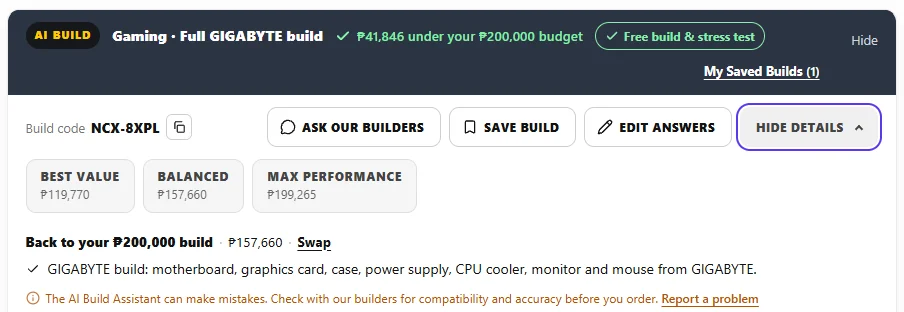
Want one brand? With Brand build set to GIGABYTE, the motherboard, graphics card, case, power supply, CPU cooler, and even the monitor and mouse came from GIGABYTE. Parts the brand doesn’t make for this build, like the RAM and SSD, come from other brands. This one came in ₱41,846 under the ₱200,000 budget, and one tap takes you back to the regular build.
Example 3: ₱300,000 for 1440p gaming, with a monitor and peripherals
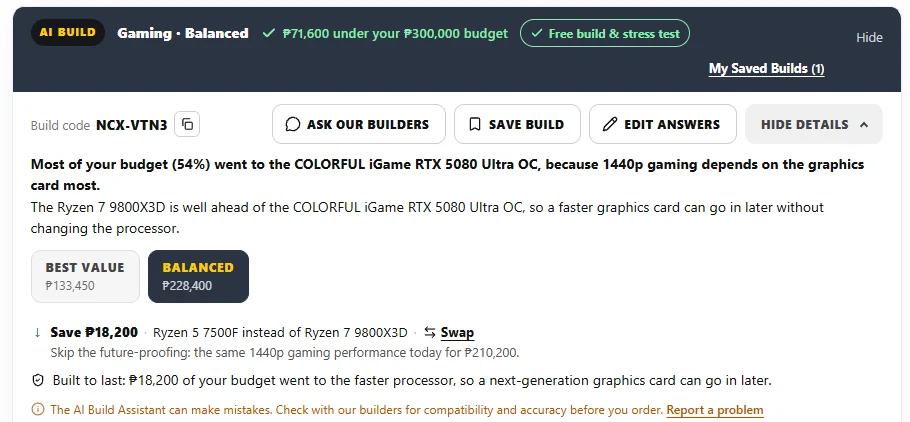
At ₱300,000 for 1440p gaming, it put 54% of the budget into the graphics card and picked a processor fast enough to keep up with a future card. It came in ₱71,600 under budget, because it already reached the strongest parts that make sense for this use. If you don’t need the future-proofing, “Save” shows the same 1440p gaming performance for ₱18,200 less.
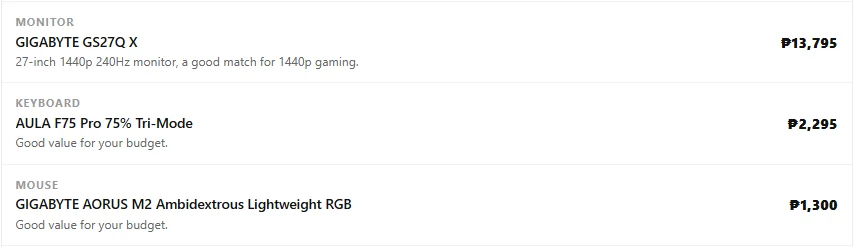
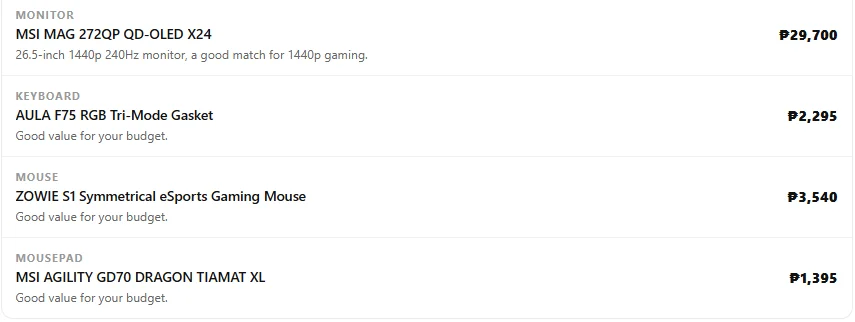
The monitor, keyboard, mouse and mousepad came from the same budget, with a 1440p 240Hz monitor to match the build.
Example 4: ₱300,000 for 3D rendering and CAD
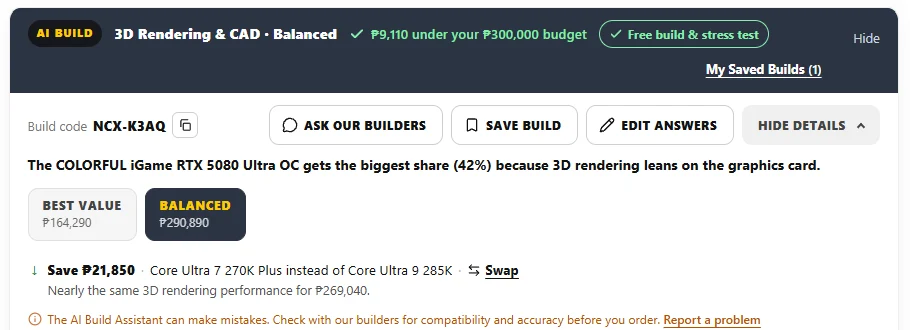
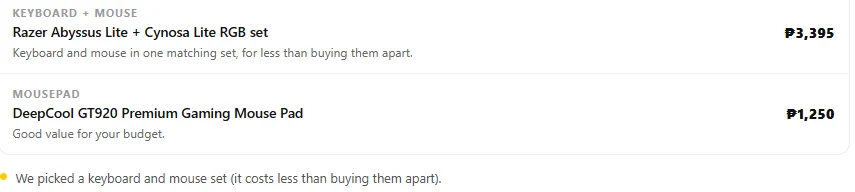
For 3D rendering, the graphics card still gets the biggest share (42%), because rendering leans on it, with a 24-core processor and 64GB of RAM. When a keyboard and mouse set costs less than buying them apart, the assistant picks the set.
Prices in all examples as of October 22, 2026. Prices change, so your build will show today’s prices.
Save it, or ask our builders
Every AI build gets a build code. Tap Ask our builders to send it to our team for a second look, or Save build to keep it in My Saved Builds and come back later. Then swap any part in the PC Builder and check out as usual. When you buy the parts from us, assembly, a stress test and photos before release are free.
The AI Build Assistant can make mistakes, so our builders review every order, and you can always ask them before you buy.